
Firmware Update
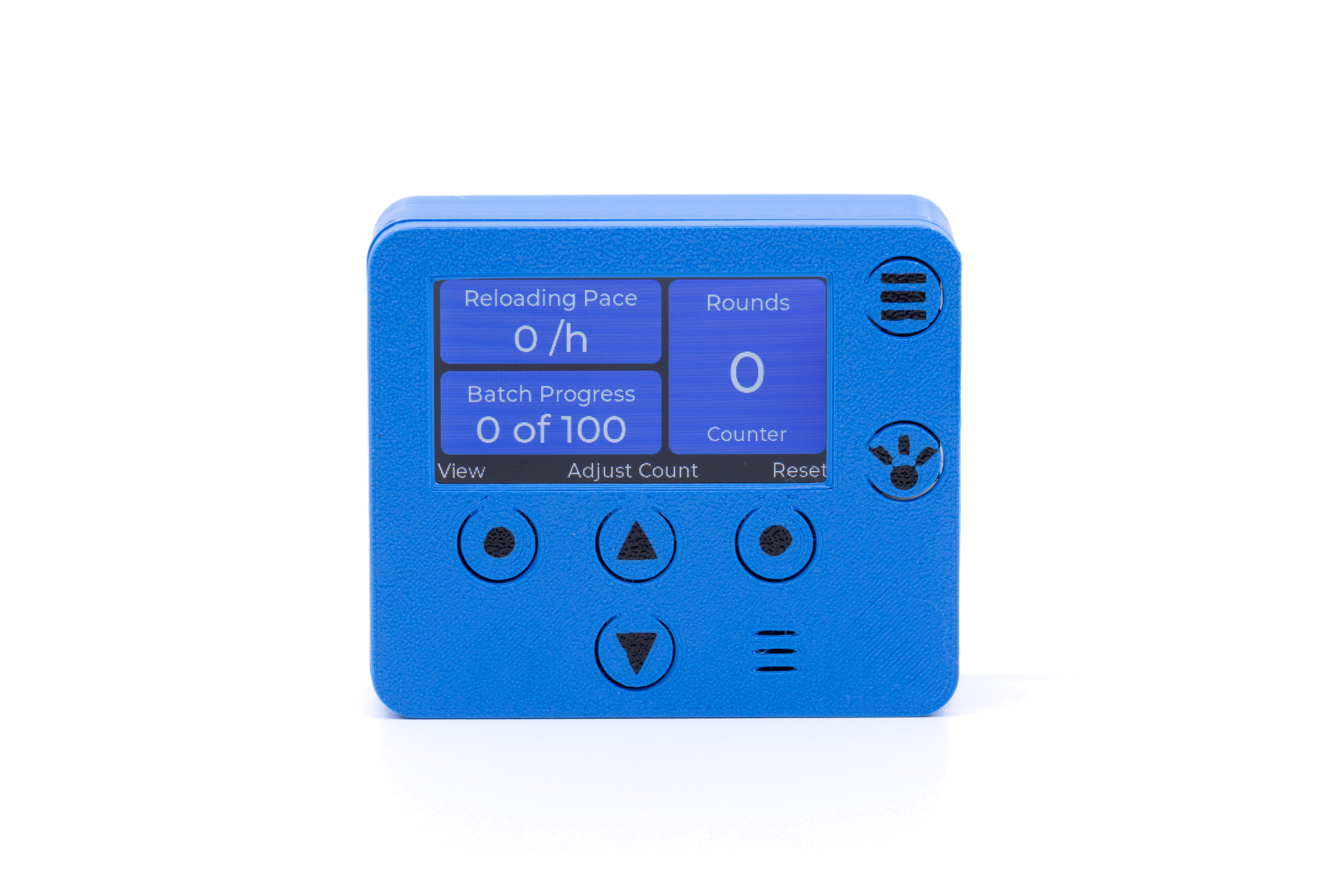
Round Counter — Unicount
Update your Armanov Unicount Round Counter firmware directly from your browser. No software installation needed.
Install Firmware
v1.43
Software
Unicount v1.43
Board
Armanov board with S3 CPU
Chip
ESP32-S3
Your browser doesn't support Web Serial.
Please open this page in Google Chrome or Microsoft Edge on a desktop computer.
Please open this page in Google Chrome or Microsoft Edge on a desktop computer.
This page must be served over HTTPS for Web Serial to work.
If testing locally, use
If testing locally, use
npx serve or host on GitHub Pages.
What's New in v1.43
- Fixed probles where rounds can be lost and not saved to eeprom
- added help view acessible with menu button
Features
Round Counter
Accurate real-time counting of produced ammunition
Pace Calculator
Real-time reloading pace displayed as rounds per hour
LED Light
Integrated workspace illumination for comfortable reloading
Low Powder Alert
Height-adjustable sensor warns before powder runs out
How to Update
1
Connect your Unicount to your computer using a USB-C data cable. Make sure it's a data cable, not a charge-only cable.
2
Click "Connect & Update Firmware" above. Your browser will ask you to select a serial port — pick the one for your device.
3
Wait for the update to complete. Progress will show on screen. Do not disconnect the device during the update.
4
Done! Your Unicount will automatically restart with the new firmware.